


Magento 2 Order Archive Module to Organize Past Orders Efficiently
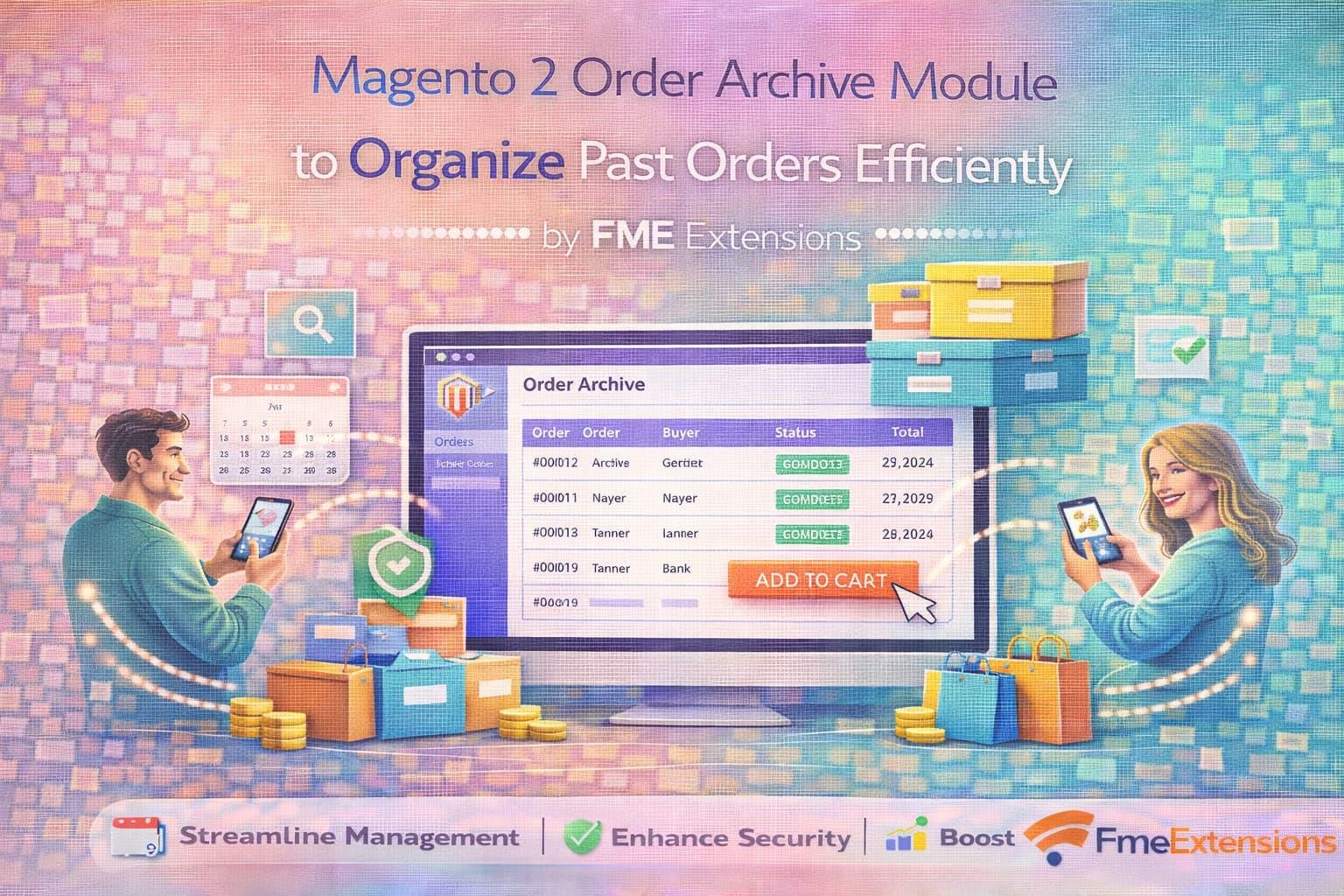
Managing orders is one of the most critical tasks for any eCommerce store. Over time, Magento 2 stores accumulate thousands of orders, which can slow down the admin panel and make order management overwhelming. The Magento 2 Order Archive module by FME Extensions helps merchants keep their store organized by archiving past orders efficiently while still keeping them accessible for reference and reporting
This module ensures that your Magento 2 store runs smoothly without clutter in the order grid while providing a clear structure for past transactions
Why Archiving Orders is Essential
In busy eCommerce stores, the order grid can become overcrowded with completed and outdated orders. This clutter makes it difficult to manage new orders and monitor sales effectively
Using Magento 2 archive orders functionality helps:
-
Maintain a clean and organized admin panel
-
Improve store performance by reducing load on the order grid
-
Ensure older orders are still accessible for auditing, reporting, and customer service
-
Simplify order management for admins and staff
Stores that implement Magento 2 archive orders extension benefit from better workflow and enhanced productivity
Key Features of Magento 2 Order Archive Module
Efficient Archiving of Completed Orders
The module allows merchants to archive completed, canceled, or closed orders automatically or manually. The Magento 2 order archive functionality ensures that your active order grid only displays current orders requiring attention
Advanced Filter and Search Options
Even after archiving, you can search and filter orders using various criteria such as order status, date, or customer information. This ensures that archived orders are never lost and can be retrieved instantly when needed
Bulk Archiving
The Magento 2 archive orders extension supports bulk actions, allowing admins to archive multiple orders at once. This saves time and reduces the effort required for order management
Easy Retrieval of Archived Orders
Archived orders remain fully accessible and can be restored to the active order grid whenever necessary. This is essential for audits, refunds, or customer queries
Performance Optimization
Archiving old orders reduces the number of entries in the active order grid, which improves the speed and responsiveness of the Magento 2 admin panel
Benefits of Using Magento 2 Order Archive
Enhanced Store Performance
A clean order grid improves overall store performance and reduces loading times for admins managing high volumes of orders
Simplified Workflow
By separating active and archived orders, staff can focus on processing new orders while still having access to historical data through the Magento 2 archive orders extension
Better Data Management
The module ensures that data is organized systematically. Merchants can archive orders by status, date, or custom criteria, making reporting and record-keeping more efficient
Compliance and Record-Keeping
Archived orders remain stored securely and can be accessed for legal compliance, tax audits, or internal reports
Flexible and Customizable
Merchants can set rules for automatic archiving or manually archive orders based on their business needs. The Magento 2 archive orders module adapts to different store workflows seamlessly
How to Implement Magento 2 Order Archive Effectively
-
Set Archiving Rules
Decide which orders should be archived automatically based on status or age -
Use Bulk Actions for Efficiency
Archive multiple completed or closed orders at once using the bulk action feature -
Monitor Archived Orders Regularly
Check archived orders for reporting and auditing purposes to maintain smooth operations -
Integrate with Reports
Use archived data for sales analysis, customer insights, and inventory management -
Train Admin Staff
Ensure your team understands how to access and restore archived orders when needed
Real-World Impact
Merchants using Magento 2 archive orders extension report cleaner admin panels, faster order processing, and reduced errors. Stores with thousands of monthly orders can maintain high efficiency while keeping historical data accessible
For example, a fashion store can archive all completed orders older than six months. The active order grid will then only display pending and processing orders. This makes it easier for staff to manage new orders while still keeping archived orders ready for refunds, exchanges, or audits
Conclusion
The Magento 2 Order Archive Module by FME Extensions is an essential tool for any Magento 2 store looking to streamline order management, improve admin panel performance, and keep past orders organized
Using features like Magento 2 order archive, Magento 2 archive orders, and Magento 2 archive orders extension, merchants can maintain a clean and efficient workflow, simplify record-keeping, and focus on growing their business
For Magento 2 stores processing high volumes of orders, this module ensures that order management remains efficient, transparent, and organized


 English
 Arabic
 Español
 Português
 Deutsch
 Türkçe
 Dutch
Dutch
 Italiano
 Russian
 Romaian
 Portuguese (Brazil)
 Greek
Greek