


How to Split ICS Files Easily? Step-by-Step Tutorial
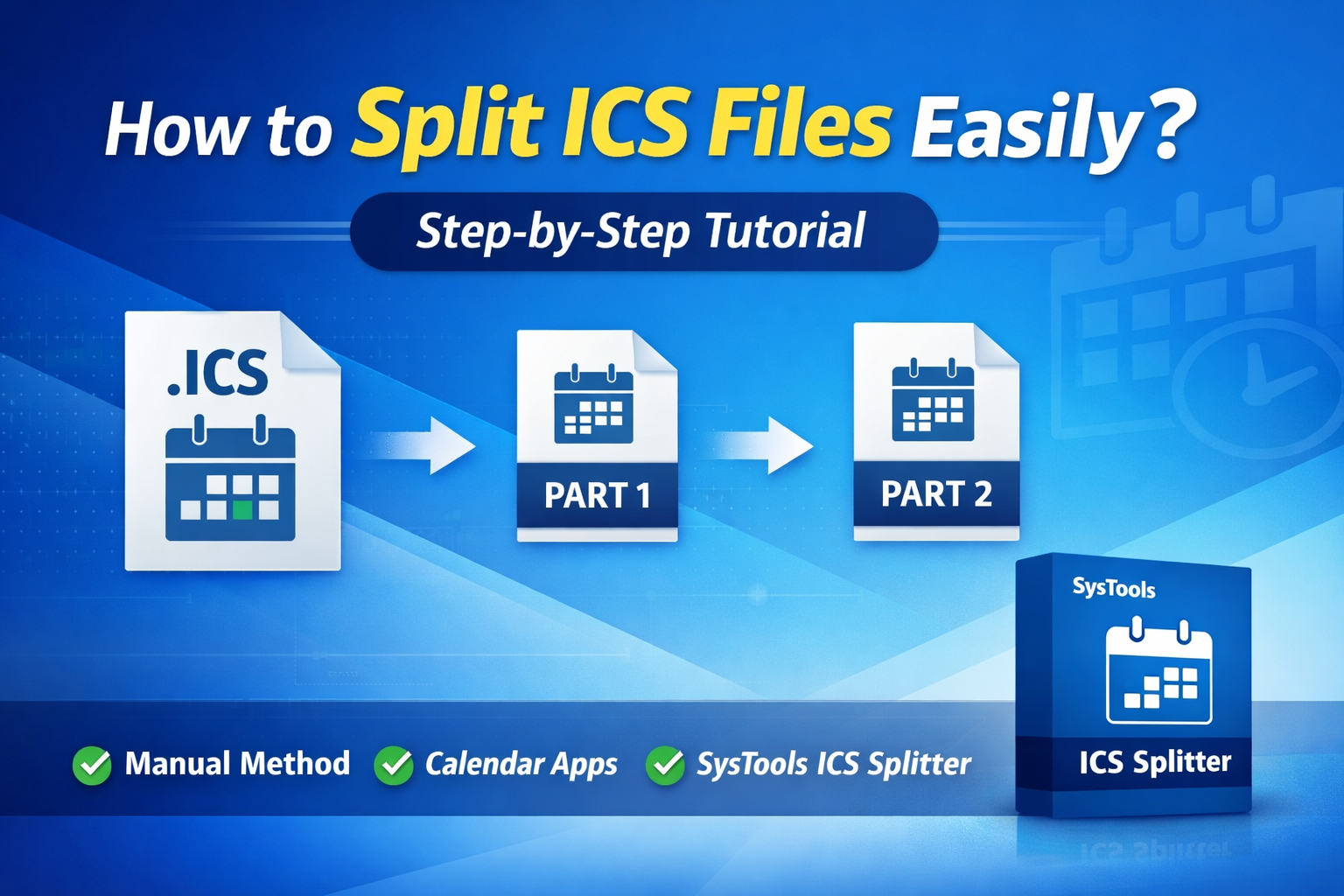
Managing large calendar files can quickly become overwhelming, especially when dealing with bulky ICS files that contain hundreds or even thousands of events. Whether you want to organize events by date, category, or user, knowing how to split ICS Files efficiently is essential. In this step-by-step tutorial, we’ll explore practical methods to divide ICS files without losing data integrity.
Read More: How to fix could’not import calendar try again later Outlook error?
Why Do You Need to Divide ICS Files? Common Reasons
ICS (iCalendar) files are widely used for storing calendar events across platforms like Google Calendar, Apple Calendar, and Outlook. However, large ICS files can cause performance issues, slow imports, and difficulty in managing specific events. That’s where the need to split ICS Files arises. Some common reasons include:
-
Easier event management
-
Faster import/export process
-
Better organization of calendar data
-
Sharing selective events
Method 1: How to Split ICS Files Manually?
If your ICS file is small, you can manually divide it using a text editor. This method requires basic technical understanding. The steps are given below:
-
Open your ICS file using a text editor like Notepad++ or any code editor.
-
Locate the BEGIN:VEVENT and END:VEVENT tags. Each block represents a single event.
-
Copy selected event blocks that you want to separate.
-
Create a new file and paste the copied events.
-
Add the required header (BEGIN:VCALENDAR) and footer (END:VCALENDAR) to maintain file structure.
-
Save the file with a .ics extension.
This method helps you split ICS Files, but it can be time-consuming and prone to errors, especially with large files.
Method 2: How to Divide ICS file through Professional Solution?
For a faster and more reliable approach, using an automated tool is highly recommended. The SysTools ICS Splitter tool is designed specifically to split ICS Files without data loss and with minimal effort. We have mentioned some of the core features the tool:
-
Split large ICS files into smaller parts instantly
-
Option to divide files by date, size, or event count
-
Maintains original data integrity and formatting
-
User-friendly interface for non-technical users
-
Supports bulk processing
Detailed Steps to Use this Software
-
Download and install the aforementioned tool.
-
Launch the software and add your ICS file.
-
Choose the splitting option (by date, size, or events).
-
Select the destination folder.
-
Click on “Split” to process the file.
Method 2: How to Split ICS Files Using Calendar Applications?
Another way to split ICS Files is by importing them into calendar applications like Outlook or Google Calendar and exporting selected events. The following steps are given below:
-
Import the ICS file into your preferred calendar application.
-
Filter or select specific events based on date or category.
-
Export the selected events as a new ICS file.
While this method is easier than manual editing, it may not support bulk splitting or advanced filtering.
Tips for Better Results
-
Always keep a backup before you split ICS Files
-
Verify the output files after splitting
-
Use automated tools for large or complex files
-
Ensure proper file structure to avoid import errors
Conclusion
Learning how to split ICS Files can significantly improve your calendar management and workflow efficiency. While manual and application-based methods work for smaller tasks, automated tools mentioned above provide a more reliable and time-saving solution. By choosing the right method, you can easily organize, manage, and share your calendar data without any hassle.


 English
 Arabic
 Français
 Español
 Português
 Deutsch
 Türkçe
 Dutch
Dutch
 Italiano
 Russian
 Romaian
 Greek
Greek