


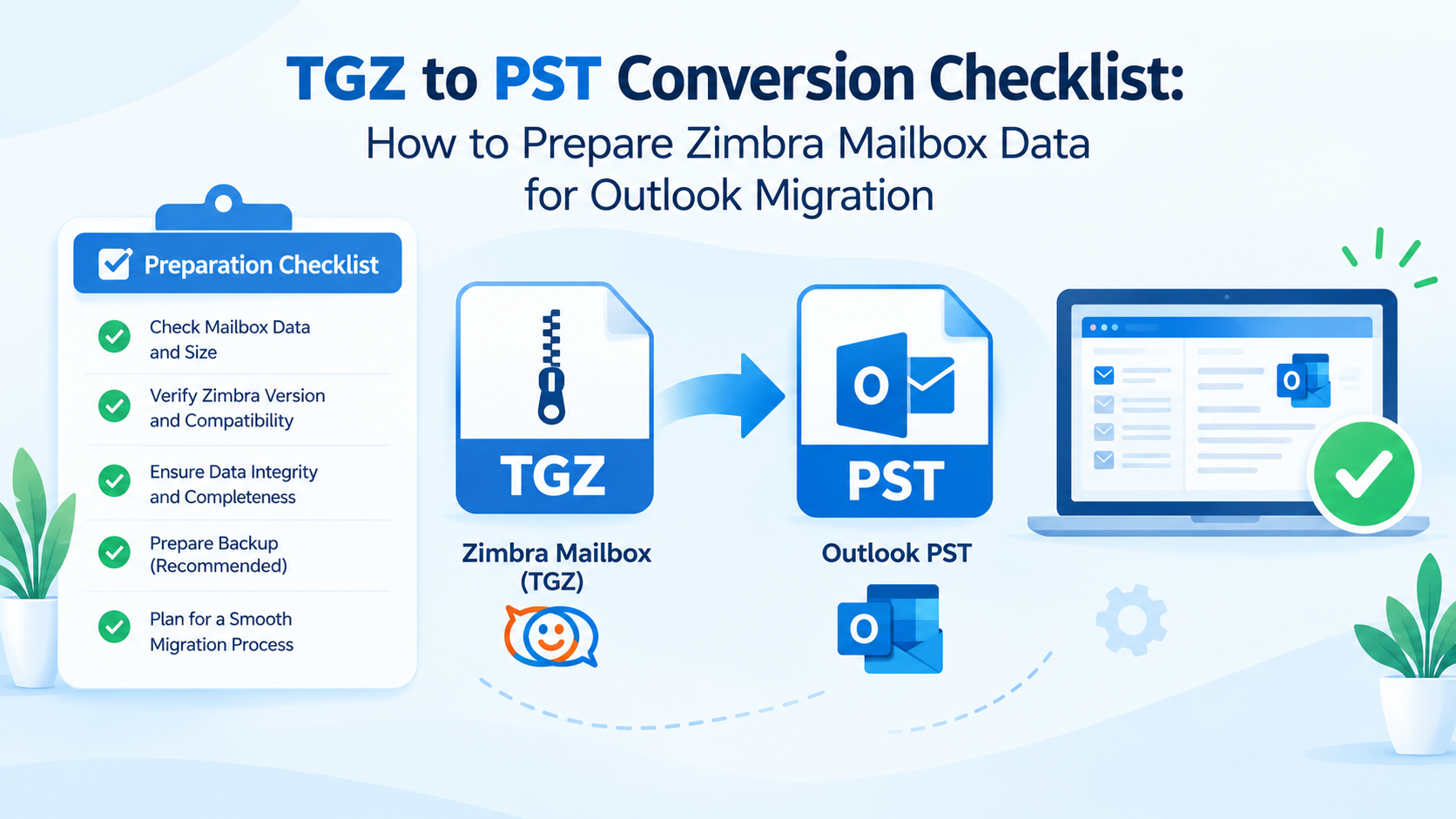
TGZ to PST Conversion Checklist: How to Prepare Zimbra Mailbox Data for Outlook Migration
Introduction
When migrating email data from Zimbra to Microsoft Outlook, it is important to prepare properly so that mailbox information remains structured and accessible. Zimbra typically exports mailbox data as TGZ archives, while Microsoft Outlook uses PST files to store email messages and other supported mailbox items. Therefore, users looking to migrate their email data between different platforms should consider file compatibility, folder organization, attachments, and data verification.
Successfully converting TGZ to PST involves more than changing the file format. Users have to analyze the original archive, identify the required mailbox items, select an acceptable conversion method, and check the final PST file. These steps can help avoid typical migration errors and make it easier to manage email after the conversion.
This checklist blog covers the important elements to verify before, during, and after converting Zimbra TGZ files to Outlook PST format.
Importance of a TGZ to PST Conversion Checklist
The checklist helps users structure the migration process and identify potential problems before moving their mailbox data. Without proper preparation, users can forget important folders, overlook attachments, or save the converted file in an inappropriate location.
Working with a structured checklist can help users:
Prepare TGZ archives before conversion.
Identify important mailbox folders and messages.
Select a suitable Zimbra to Outlook migration method.
Check email content and attachments after conversion.
Keep the PST file organized for future reference.
TGZ to PST Conversion Checklist
1. Check the Source TGZ File
The Zimbra TGZ archive must be available and accessible before commencing the conversion. Make sure to check the file location and avoid accidentally deleting or replacing the archive during the process.
checklist:
Find the correct TGZ mailbox archive.
Ensure that the file is accessible from your PC.
Verify whether the selected method can open or process the archive.
Save an unchanged copy of the original TGZ file.
Check whether there is enough storage space for the output file.
It is also good to have a backup in case you need to repeat the process.
2. Identify the Mailbox Data to Be Migrated
Not all migrations require moving an entire mailbox. Some users may want all their email folders, while others might want only selected messages or mailbox items.
Checklist:
Determine which email folders should be moved.
Locate any important business or personal correspondence.
Determine whether attachments need to be retained.
Check whether the source archive contains contacts, calendars, or other items.
Decide whether the entire mailbox or selected data should be converted.
By preparing these requirements in advance, users can select an appropriate conversion method and avoid missing important information.
3. Select a Suitable TGZ to PST Conversion Method
The chosen approach should be compatible with the structure and contents of the source archive. A manual procedure may involve extracting the TGZ archive, importing supported email files into Outlook, and then exporting the imported data to PST. However, this can involve additional steps, especially when dealing with multiple folders or large mailboxes.
If you need to process multiple TGZ files or manage mailbox data in PST format, a dedicated converter can offer a more direct method.
Checklist:
Verify that the method is compatible with your TGZ archive.
Check the available output options.
Check whether the folder hierarchy and attachments can be retained.
Determine whether batch conversion is necessary.
Review the software's compatibility and trial limitations before proceeding.
TrustVare TGZ to PST Converter is an option to consider for users looking for a dedicated solution to convert Zimbra TGZ mailbox archives into Outlook-compatible PST files. Test the output and check the supported features before processing important mailbox data.
4. Review Folder Structure and Email Details
One of the main considerations when migrating email is how mailbox data is organized. Users can rely on existing folders to find project discussions, customer communications, invoices, and other important messages.
Checklist:
Preview the available mailbox data when supported by the selected method.
Make sure the required folders are included.
Check the dates, sender details, and subject lines of the messages.
Ensure that important attachments are included in the conversion.
Identify any unwanted or unnecessary data before exporting.
These checks help provide a clear reference for comparing the original mailbox with the converted PST file.
5. Verify the Converted PST File
Completing the conversion does not guarantee that the output file contains all the required information. A final check helps users identify missing folders, unreadable messages, and other inconsistencies.
Checklist:
Make sure the PST file exists at the selected destination.
Check the file size for obvious signs of incomplete output.
Open or import the PST file in a compatible Outlook environment.
Compare important folders and sample messages with the source.
Open and review attachments in selected emails.
Verify that the required messages and folder structure are available.
Keep the original TGZ archive until you have verified the converted data and confirmed that the PST file meets your requirements.
Common Mistakes to Avoid During TGZ to PST Conversion
Users should not start the transfer without first backing up the source archive. They should not ignore mailbox folders or assume that a successful conversion notification means all data has been retained. It is also important to verify software compatibility and avoid interrupting the process while the output file is being generated.
Another common mistake is deleting the original archive immediately after conversion. If something goes wrong, the original file provides another recovery option. Keep it until verification is complete.
Conclusion
Successfully converting Zimbra TGZ files to Outlook PST requires proper preparation, selecting the right conversion method, and performing a final check. Users can verify the source file, determine the required mailbox items, analyze the folder organization, and test the generated PST file to make their email migration more systematic.
You can use this checklist each time you want to convert TGZ to PST, especially when dealing with important or large mailbox archives. With a structured approach, you can identify potential problems early and maintain better control over your email data throughout the migration process.

 Arabic
 Français
 Español
 Português
 Deutsch
 Türkçe
 Dutch
Dutch
 Italiano
 Russian
 Romaian
 Portuguese (Brazil)
 Greek
Greek