


How To Setup Roomba?: Step-by-Step Guide.
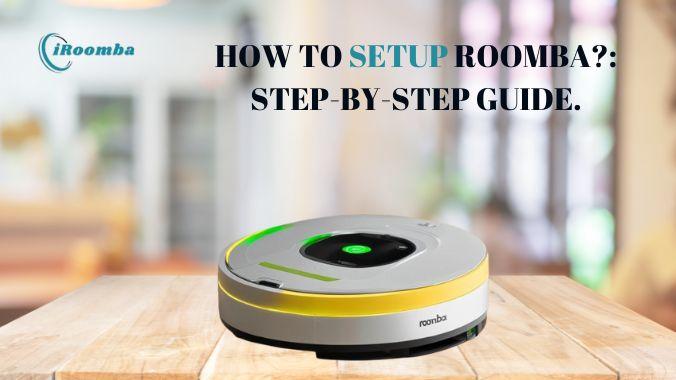
If you do the right things, then setting up your Roomba robot vacuum will be a very quick and easy task. No matter if you are a first-time user or upgrading your gadget, in this guide, you will see everything concerning Roomba Setup.
Step-by-Step Roomba Setup Guide
Unbox & Charge Your Roomba
Take away all the packing material and put your Roomba on its Home Base. Use it only after it has charged fully.
Download the iRobot Home App
Install the app on your smartphone and create your account or complete Roomba login if you already have one.
Connect to Wi-Fi
Launch the app → Select your model of Roomba → Connect to your Wi-Fi (2.4GHz is the most suitable for most models) network in the house.
Pair Roomba to App
Hold down the right buttons on your Roomba to get into the pairing mode. The app will lead you through the processes of detection and setting up your device.
Software & Roomba Firmware Update
Firmware for Roomba should be updated to the latest version to take advantage of new features and improvements after pairing.
Customize Cleaning Preferences
In the app, you can set cleaning schedules, mapping, and cleaning zones.
Start Cleaning
Press “Clean” either in the app or directly on the Roomba. The vacuuming process will be started and Roomba will return to the dock when it is done.
Tips for Best Performance
- Clean brushes and filters often
- Put the charging base in a non-cramped area
- Always update the app and firmware for peak performance
Final Thoughts
With this easy Roomba Setup guide, you will be able to maintain a clean house without much effort. Just sign in, link, and let Roomba work!



 English
 Arabic
 French
 Spanish
 Portuguese
 Deutsch
 Turkish
 Dutch
Dutch
 Italiano
 Russian
 Romaian
 Greek
Greek