


How Digital Archiving Protects Business Knowledge From Being Buried
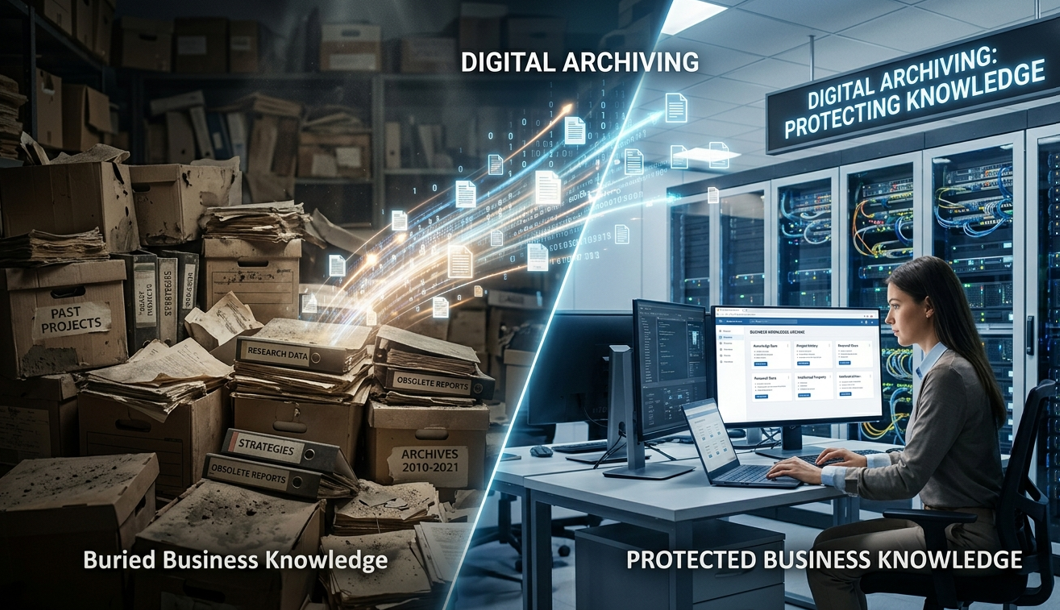
Business knowledge often gets lost without ever being deleted. It gets buried inside shared drives, inboxes, cloud folders, outdated platforms, scanned PDFs, and files with names that made sense to one employee three years ago. Digital Archiving protects that knowledge by giving important records a structured, searchable, and secure place to live. That matters because IDC projected that the Global Datasphere would grow from 45 zettabytes in 2019 to 175 zettabytes by 2025, which shows how fast digital information can become unmanageable without proper control.
Business Knowledge Gets Buried in Everyday Systems
Most companies do not lose knowledge in one big failure. It disappears slowly through normal work. A project folder gets renamed. A contract sits in an old inbox. A policy update stays attached to an email thread. A client record moves into a department folder that nobody outside the team can find. Over time, the business still has the files, but the useful knowledge becomes hidden.
This creates real problems. Business knowledge includes contracts, approvals, financial records, client history, training documents, vendor agreements, compliance files, project notes, and internal decisions. These records explain what happened, who approved it, what was promised, and why decisions were made.
When this information is hard to find, employees waste time asking around, recreating documents, and checking whether a file is the final version. McKinsey reported that interaction workers could reduce information-searching time by as much as 35% when internal knowledge and information became more available through searchable systems.
The issue gets worse when experienced employees leave. If critical knowledge lives inside someone’s inbox, personal folders, or memory, the company loses context when that person moves on. A proper archive keeps the record available even when the original employee is gone.
Digital Archiving Turns Files Into Searchable Knowledge
A strong archive does more than store documents. It gives files structure. Digital Archiving uses metadata, categories, retention rules, access controls, version history, and audit trails to make records easier to find and easier to trust.
Metadata is one of the most useful parts of this process. It can show the document type, upload date, department, owner, client name, project number, approval status, and retention period. With that structure, employees do not need to remember the exact file name. They can search by meaning.
For example, a finance team may search by vendor, invoice number, payment date, or tax year. A legal team may search by agreement type, client name, renewal date, or signature status. HR may search by employee name, document category, policy type, or review date. That is much stronger than hoping someone remembers which folder holds the right file.
Government recordkeeping has moved strongly in this direction. The U.S. National Archives stated that after June 30, 2024, it would accept transfers of permanent or temporary federal records only in electronic format with appropriate metadata. Private businesses may not follow the same rule, but the lesson is clear: records need context if they are expected to stay useful over time.
Without that context, companies end up with digital clutter. Files may exist, but teams cannot easily prove what they are, whether they are current, or how they connect to the business process.
Better Archives Protect Knowledge From Risk
Business knowledge is valuable, but it can also be sensitive. Contracts, customer records, employee files, legal documents, board materials, tax records, and financial files should not sit in open folders with unclear permissions.
This is where Digital Archiving becomes part of risk management. A controlled archive can limit access by role, preserve activity logs, protect files with encryption, and show who accessed a record. That matters during audits, disputes, compliance reviews, internal investigations, and customer claims.
IBM reported that the global average cost of a data breach was USD 4.44 million in 2025. That number makes weak information control difficult to ignore, especially for companies storing sensitive records across multiple systems.
A safer archive should include role-based permissions, version control, audit trails, retention schedules, and controlled deletion. The goal is simple: approved users should find the right records quickly, while everyone else stays out.
Retention rules also protect the business. Keeping everything forever may feel safe, but it creates clutter and may increase legal or security exposure. Deleting records too early can create bigger problems during audits, tax reviews, claims, or disputes. A structured archive helps businesses keep the right information for the right amount of time.
Preserved Knowledge Supports Faster Decisions
The real value of archived knowledge appears when teams need answers. A customer asks about an old agreement. A manager needs project history before making a new decision. Finance needs invoices for an audit. Legal needs the signed version of a contract. HR needs proof that an employee acknowledged a policy.
A company with scattered records wastes time. A company with a searchable archive responds with confidence.
That confidence improves daily work too. Employees stop recreating files that already exist. Managers stop asking five people for the latest version. New hires can learn from past project records. Customer-facing teams can understand account history faster. The archive becomes a working memory for the business, not a digital graveyard.
Conclusion
Business knowledge should not depend on memory, inboxes, random folders, or employees who may not be around next year. Important records need structure, metadata, access control, retention rules, and searchability if they are going to remain useful.
Digital Archiving protects business knowledge from being buried by turning scattered files into organized, secure, and searchable records. For companies handling contracts, client records, financial files, HR documents, compliance reports, and project history, archiving is not just storage. It is how the business keeps its memory alive, protected, and ready when decisions need proof.


 English
 Français
 Español
 Português
 Deutsch
 Türkçe
 Dutch
Dutch
 Italiano
 Russian
 Romaian
 Portuguese (Brazil)
 Greek
Greek