


Simple Automation Software for Non Technical Users
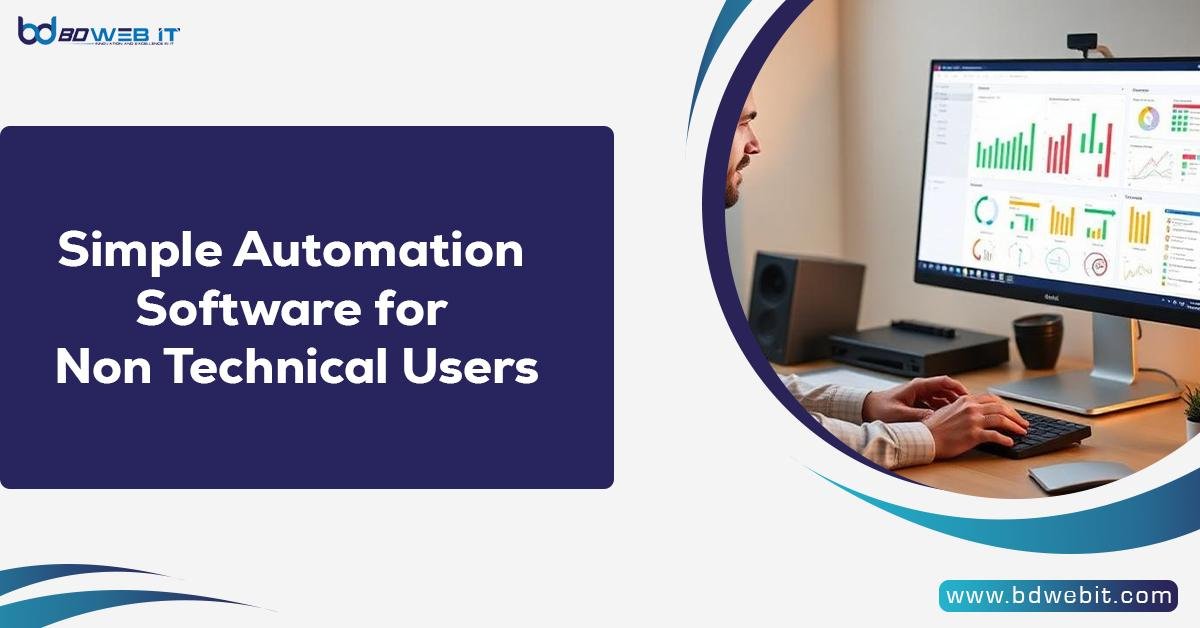
Simple automation software for non-technical users enables people to automate repetitive tasks without requiring programming knowledge or technical expertise. It offers easy-to-use interfaces, drag-and-drop workflow builders, and ready-made templates that allow users to automate tasks such as email communication, data management, file organization, and scheduling. By simplifying daily processes, this software saves time, reduces errors, improves productivity, and helps individuals and businesses work more efficiently.
Why Non-Technical Users Need Automation Software
In today’s world, where things are going digital, a lot of time is spent performing repetitive work. Follow-up emails, copying information, updating spreadsheets, or assigning tasks are necessary, though not requiring human creativity. In this regard, people who are not tech-savvy, including marketeers, salespeople, small business operators, or operations teams, can use automation tools in order to work smarter rather than harder without necessarily knowing programming.
If not automated, the processes are manual, meaning they tend to be time-consuming and prone to errors, with the potential for scalability issues. Basic automation tools make it possible for anyone to take control of their processes without being tech-savvy individuals.
What Makes Automation Software “Simple”
Not all automation tools are built for beginners. Simple automation software has specific characteristics that make it suitable for non-technical users:
1. No-Code or Low-Code Interface
The best tools eliminate coding entirely. Users can build workflows using visual steps such as “If this happens, then do that.” Even low-code platforms provide guided forms instead of raw scripts.
2. Drag-and-Drop Workflow Builders
Rather than complicated configurations, one can drag and drop triggers and actions into a workflow. This makes it easy to understand and change automation.
3. Pre-Built Templates
These templates enable a user to begin easily. For instance, ‘Send an email when a form is submitted’ or ‘Add new leads to a CRM automatically.’
4. Plain-Language Logic
Simple automation tools refer to actions that describe what happens rather than how it is done, which reduces confusion and errors.
Read more: Simple Automation Software for Non Technical Users


 English
 Arabic
 Français
 Português
 Deutsch
 Türkçe
 Dutch
Dutch
 Italiano
 Russian
 Romaian
 Portuguese (Brazil)
 Greek
Greek