


What Beginners Should Know About Roblox Scripts and Executors
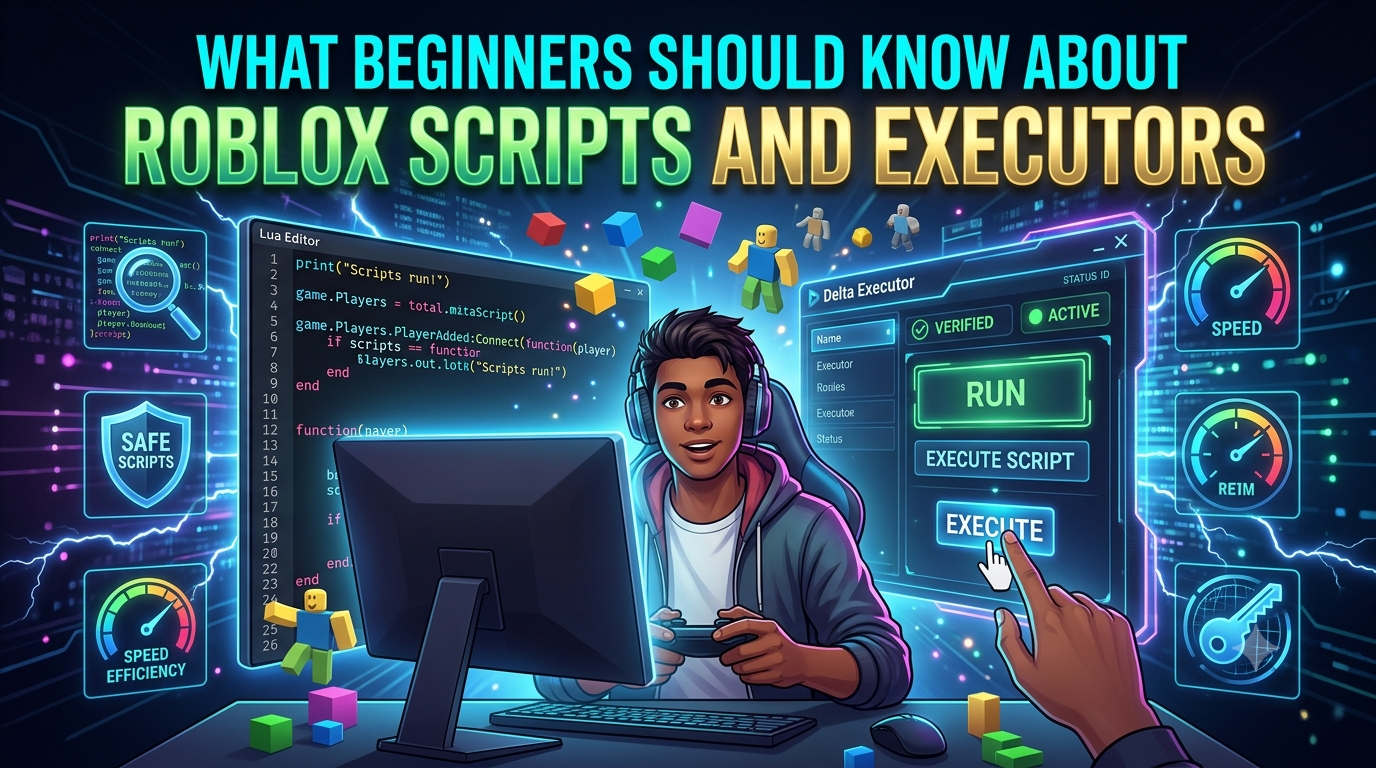
Beginners are advised to learn the difference between Roblox scripts, executors, and official development tools before looking for a Delta Executor download. A script is code that provides instructions. An executor is a 3rd party program that is associated with executing certain scripts outside of the normal development workflow of roblox. Knowing the differences between these parts will help beginners learn about compatibility issues, errors, and security concerns.
What Is a Roblox Script?
A script in Roblox is a set of programming instructions that control the actions and systems in a Roblox experience. Roblox development uses Luau, a programming language based off Lua.
Scripts can be used to do many things in your development, such as controlling objects, reacting to player actions, managing game events, and creating interfaces.
For beginners, it helps to think of a script as a set of instructions. If the instructions contain an error or depend on something that has changed, the expected result may not happen.
What Is an Executor?
An executor is a third-party tool related to executing scripts in Roblox environments. It's not Roblox; it's not Roblox Studio.
Because these tools run outside the normal development workflow, they may behave differently across devices and software versions. Roblox updates can also change compatibility.
That’s why having an executor alone doesn’t guaranty that every script will work.
What Is Delta Executor?
Delta Executor is one example of a third-party Roblox scripting tool discussed online. It may be associated with different operating systems and versions, but compatibility can change over time.
Before using any third-party software, beginners should check the operating system, device requirements, software version, and available security information.
A file that works on one device may not work on another because computers and mobile devices have different system rules.
Why Scripts Stop Working
Beginners often assume that a script has failed because they made a mistake. Sometimes, however, the problem comes from compatibility.
Roblox Updates
Roblox changes regularly. An update can affect code that depends on a particular environment or behavior.
Outdated Scripts
A script that has not been maintained may use older functions or methods. If the environment changes, the script may need to be updated.
Syntax Errors
Missing brackets, quotation marks, commas, or incorrect keywords can prevent a script from being processed.
Device Differences
Windows, Android, and iOS have different security rules and system requirements. A setup that works on one platform should not automatically be expected to work on another.
What About a Delta IPA File?
Beginners may encounter the term Delta IPA file when searching for iOS-related versions. IPA files are associated with iOS applications, so they should not be treated as ordinary Windows or Android files.
Be careful when downloading unfamiliar IPA files. A file name does not prove that an application is genuine or safe. Avoid unknown profiles, certificates, or installation instructions that request unnecessary permissions.
How to Troubleshoot Script Problems
When a script does not work, start with the exact error message. Check the line mentioned and inspect the surrounding code.
Next, consider whether Roblox or the operating system was recently updated. If only one script fails, investigate that script before assuming the entire tool is incompatible.
Test one change at a time. This makes it easier to identify the real cause of the problem.
Learn the Basics First
Beginners can make scripting easier by learning fundamental programming concepts. Variables store information, functions organize actions, conditions make decisions, and loops repeat instructions.
Roblox Studio provides a supported environment for learning Roblox development and Luau. Practicing there can help beginners understand how code works without depending entirely on third-party tools.
Safety and Privacy
Third-party software deserves extra caution. Check where a file comes from before opening it, and scan unfamiliar downloads with trusted security software.
Never provide your Roblox password, recovery codes, or other sensitive information to an unfamiliar application or website. Do not disable important security protections simply to make unknown software run.
A Simple Beginner Checklist
Before working with a script, ask:
- Do I understand what the script is supposed to do?
- Is it compatible with the current Roblox environment?
- Is my operating system supported?
- Do I know where the file came from?
- Does the file request unusual permissions?
- Have I checked for recent Roblox updates?
- Can I understand the error if something goes wrong?
These simple questions can prevent many avoidable problems.
Conclusion
Understanding the distinction between code and the tools that process it helps beginners get a grasp on Roblox scripts and executors. Syntax errors , old code , updates to Roblox , platform discrepancies . Scripts can break because of any of these . Third-party executors may have different compatibility requirements. As a beginner, you can get to know basic Luau concepts, closely inspect files, read error messages, and use Roblox Studio for supported development to build useful scripting knowledge and make safer decisions about third-party software.

 English
 Arabic
 Français
 Español
 Português
 Deutsch
 Türkçe
 Dutch
Dutch
 Italiano
 Russian
 Romaian
 Greek
Greek