


Custom CMS Development vs WordPress Development: A Business Guide
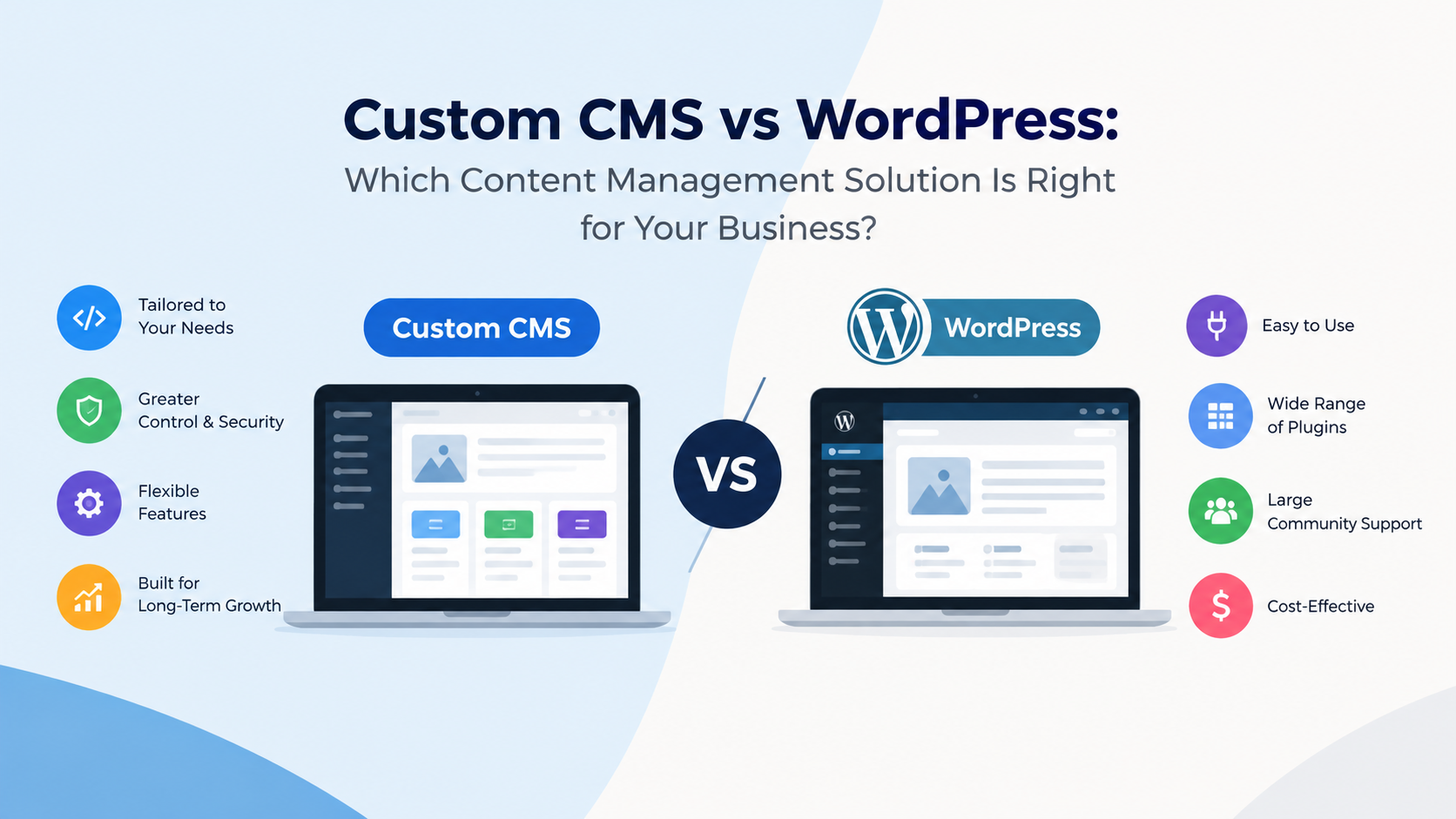
Choosing between Custom CMS Development vs WordPress Development requires businesses to balance immediate website requirements with future operational needs. WordPress offers ready-to-use publishing capabilities and an extensive extension ecosystem, making it suitable for many organisations. A custom content management system provides greater control over workflows, data structures, and integrations. The right approach depends on website complexity, available resources, security expectations, and the level of customisation required.
How Do the Two CMS Approaches Work?
WordPress combines a content management dashboard with themes, plugins, and a flexible publishing system. Editors can update website pages, organise articles, upload images, and manage content without routinely changing source code. Additional functionality can be introduced through existing extensions or custom plugins.
Custom CMS development begins with requirements analysis. Developers identify the content types, user permissions, relationships, and business processes before designing the system. The resulting application may include tailored dashboards, approval queues, reporting tools, and connections to customer relationship management software or internal databases.
Consider a healthcare equipment distributor managing thousands of products, technical documents, regional availability, and partner access. A standard WordPress installation may handle some requirements, but complex product relationships and permission rules could require extensive customisation. A purpose-built system may provide a cleaner architecture when those requirements are central to operations.
Is WordPress Better Than Other Content Management Systems?
WordPress can be better for organisations that prioritise accessible publishing, a broad selection of extensions, and relatively quick implementation. Its large ecosystem makes it easier to find developers, troubleshoot common issues, and connect marketing tools.
However, Drupal, headless CMS platforms, and custom-built systems can be more appropriate for specialised publishing environments. Drupal offers structured content and granular permissions, while headless systems separate content management from the presentation layer. A custom solution provides control but requires the organisation to maintain more of the underlying software.
The best choice is the platform that meets the requirements with the least unnecessary complexity.
Is WordPress Outdated in 2026?
WordPress is not outdated in 2026. It continues to support business websites, editorial platforms, ecommerce stores, and membership websites. Its block-based editing experience allows teams to create and manage page layouts without requiring developers for every content update.
Nevertheless, a modern website needs more than a functioning CMS. Performance depends on hosting quality, caching, image optimisation, database efficiency, and the number of scripts loaded on each page. Security depends on timely updates, controlled permissions, secure authentication, and dependable backups.
Businesses should also evaluate accessibility, mobile usability, Core Web Vitals, structured data, and search engine crawling. These factors require attention regardless of whether the website uses WordPress or custom software.
When Does Custom CMS Development Make More Sense?
Custom CMS development becomes attractive when the organisation has requirements that conventional tools cannot satisfy efficiently. Examples include multi-stage approval processes, complex content relationships, specialised access permissions, and deep integration with internal business applications.
A manufacturer might need separate product information for distributors, engineers, and customers. Each audience may require different documentation, permissions, and approval rules. A tailored CMS can organise these processes around the company's operating model.
However, custom software also creates responsibilities. Businesses need documented architecture, reliable testing, dependency updates, monitoring, and a maintenance budget. Without these safeguards, a bespoke CMS can become difficult to upgrade or transfer between development teams.
How Much Do WordPress and Custom CMS Solutions Cost?
WordPress generally offers a lower entry cost because the core platform and many extensions are available without building equivalent features independently. Actual costs depend on design complexity, licensing, hosting, integrations, and ongoing support.
A custom CMS usually requires more upfront planning and development. Long-term expenses include infrastructure, security reviews, feature enhancements, testing, and technical support. Savings are possible when a tailored design eliminates repeated workarounds, but they are not guaranteed.
When assessing wordpress development services, compare proposals using the same requirements. Ask for details about maintenance, performance testing, security updates, accessibility, technical SEO, and ownership of the code. A low initial quote may not represent the lowest total cost over several years.
How Should a Business Make Its Decision?
Begin by listing essential website functions, publishing responsibilities, integrations, expected traffic, and future expansion plans. Separate mandatory requirements from optional features, then test how each platform handles common tasks.
Choose WordPress when its ecosystem meets the requirements without excessive modifications. Consider custom CMS development when specialised workflows justify greater control and ongoing engineering responsibility. A headless approach can be suitable when content must reach several applications, but it introduces additional architectural decisions.
Development organisations such as Microlent Systems operate within the broader software development landscape, where successful project planning starts with clearly defined business needs rather than technology preferences.
Conclusion
WordPress remains a practical choice for many organisations in 2026, while custom CMS development supports businesses with specialised operational requirements. Neither option automatically guarantees lower costs, stronger security, or better performance. Evaluate usability, integration needs, maintenance capacity, and long-term expenses before selecting a platform. A well-maintained system aligned with real business processes will usually provide more value than unnecessary technical complexity.

 English
 Arabic
 Français
 Português
 Deutsch
 Türkçe
 Dutch
Dutch
 Italiano
 Russian
 Romaian
 Portuguese (Brazil)
 Greek
Greek